Book Details
Format
Paperback / softback
ISBN-10
1430229918
ISBN-13
9781430229919
Edition
1st ed.
Publisher
APress
Imprint
APress
Country of Manufacture
US
Country of Publication
GB
Publication Date
Jul 13th, 2010
Print length
744 Pages
Weight
1,076 grams
Product Classification:
.NET programming
KSh 6,150.00
Currently unavailable
0 in stock
Delivery Location
Delivery fee: Select location
Secure
Quality
Fast
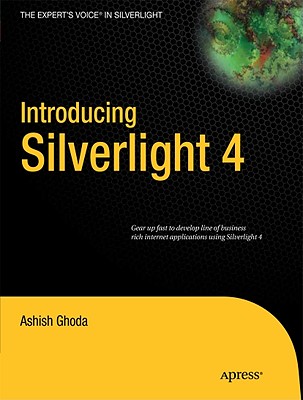
Introducing Silverlight 4 brings you up to speed with version 4 of Silverlight quickly and efficiently.
Introducing Silverlight 4 brings you up to speed with version 4 of Silverlight quickly and efficiently. The book builds off your understanding of the basics of .NET coding and WPF, allowing your journey to Silverlight 4 proficiency to be as quick and painless as possible. The text highlights where coding techniques are similar to other, more established areas of the .NET framework. Likewise, when your existing coding habits lead you to a syntax or conceptual ’gotcha,’ the text points that out, too. This book provides you with fast-track coverage of all the most important elements of the Silverlight 4 technology ranging from XAML to standard controls, from dealing with media to networking, from testing to deployment. It also reveals features introduced with Silverlight 4 and offers guidance on how to best utilize them. The book concludes with a pair of fully worked sample applications for you to follow through, because nothing reinforces your understanding of how concepts fit together as much as looking at finished code. It is assumed that readers are already be comfortable with the workings of the .NET framework. Knowledge of Expression Blend is useful, but not mandatory: you’ll learn the Blend techniques that you need to know as you go through the book. By the end, you will have followed a sound, concise path to mastery of Silverlight 4.
Get Introducing Silverlight 4 by Ashish Ghoda at the best price and quality guaranteed only at Werezi Africa's largest book ecommerce store. The book was published by APress and it has 744 pages.
Customers Who Bought This Also Bought
Silverlight Recipes
KSh 7,950.00

Windows 8 Apps Revealed Using XAML and C#
KSh 2,050.00

Mobile ASP.NET MVC 5
KSh 7,200.00
Visual Studio Lightswitch 2015
KSh 7,600.00
Introducing .Net 4.0
KSh 5,650.00
Pro Silverlight 5 in C#
KSh 8,150.00
Pro Wcf 4
KSh 7,100.00
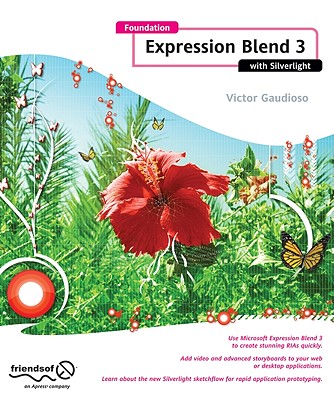
Foundation Expression Blend 3 With Silverlight
KSh 5,650.00

Beginning Windows 8 Application Development - XAML Edition
KSh 4,300.00
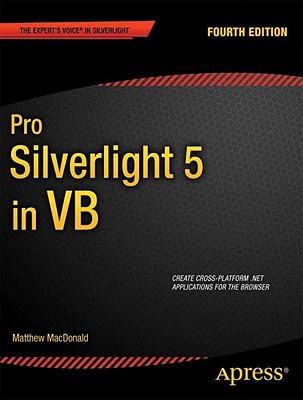
Pro Silverlight 5 in VB
KSh 9,700.00
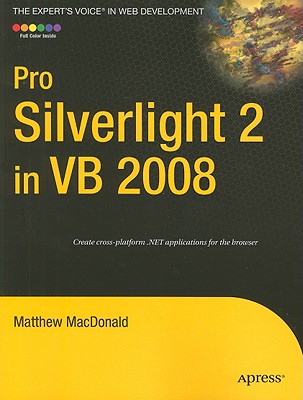
Pro Silverlight 2 in VB 2008
KSh 7,100.00
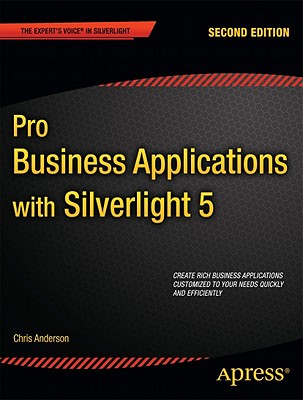
Pro Business Applications with Silverlight 5
KSh 8,150.00